 comparison
Work Order Management Software for Facilities Compared
Last Updated: November 1, 2026
Quick Summary
Work order management software for facilities captures every maintenance request in one place, assigns it to a technician, and keeps an auditable record. Compare platforms on requester friction, site hierarchy, and seat economics rather than feature lists. Match the tool to your facility type and portfolio size, and confirm implementation effort and permissions before signing.
- MKMaintX provides commercial facility maintenance across more than 35 states.
- Per-user pricing punishes teams that want requesters, vendors, and supervisors in the system.
- A single-site rollout with a handful of users is usually a matter of days.
- A multi-site portfolio with imported asset registers is measured in weeks, not days.
- Snapfix fits hospitality and property teams but lacks detailed reporting, labor tracking, and parts inventory.
Table of Contents
- Work Order Management Software for Facilities: What Actually Matters
- How We Evaluated These Platforms
- Facilities Work Order Software Comparison at a Glance
- MKMaintX: Centralized Work Order Tracking Across 35+ States
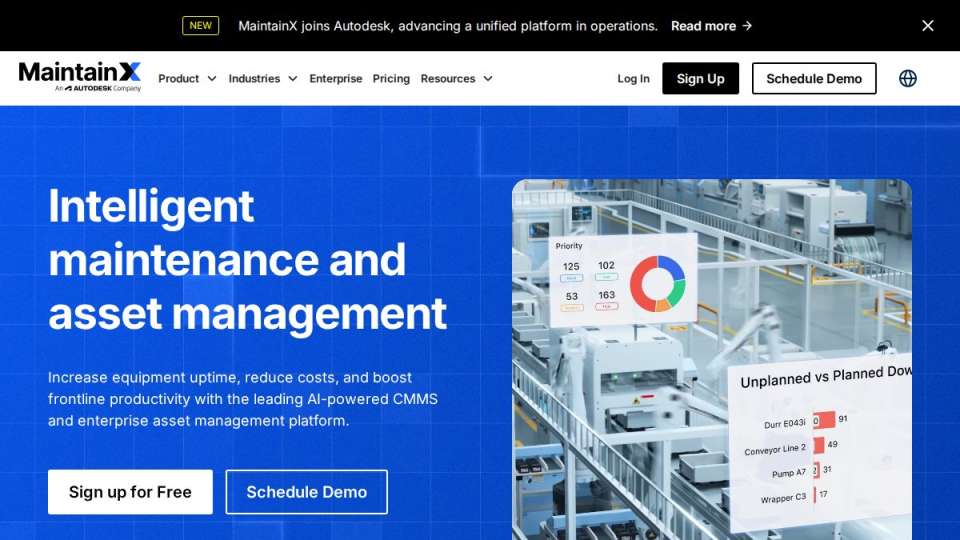
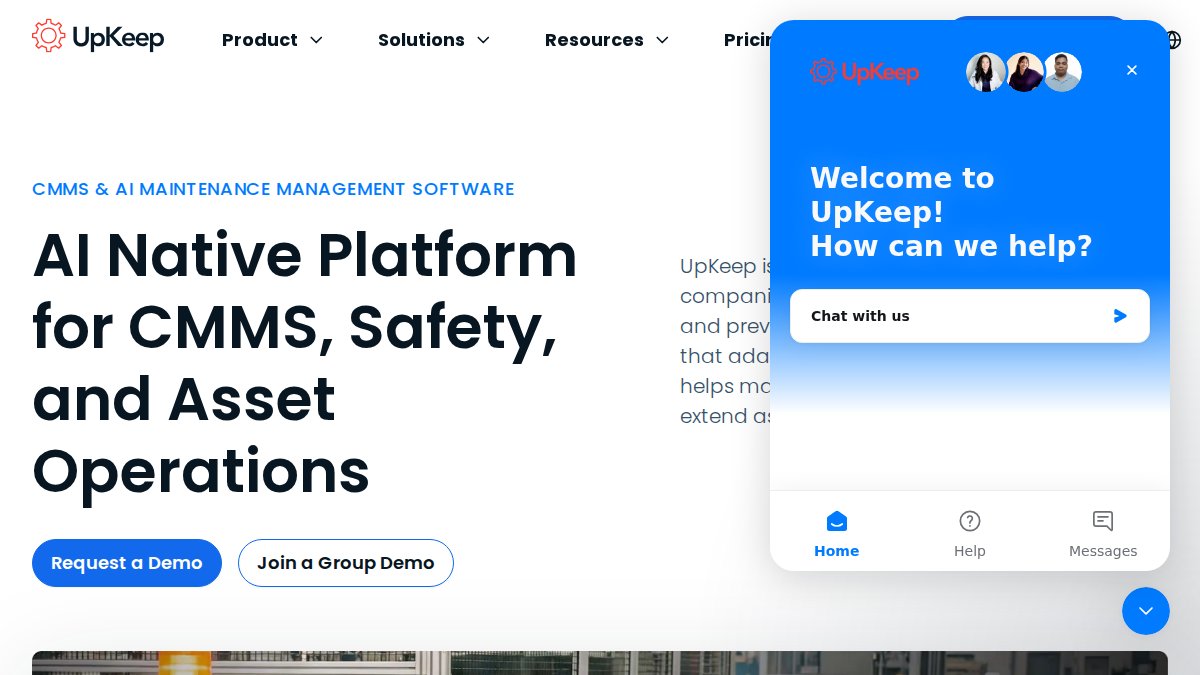
- MaintainX and UpKeep: Work Order Software for Maintenance Teams
- Snapfix: Mobile-First Work Requests for Property Teams
- CMMS Software for Facility Managers: When You Need More Than a Work Order Tool
- Preventive Maintenance Software: Turning Work Order History Into Scheduled Tasks
- Choosing a Platform by Facility Type and Portfolio Size
- Frequently Asked Questions
Work Order Management Software for Facilities: What Actually Matters
Most facilities teams do not lose time because they lack software. They lose it because work requests arrive by text, email, and hallway conversation, then get retyped into a spreadsheet. Work order management software for facilities exists to close that gap: it captures every request in one place, assigns it to a technician, and keeps a record you can audit later.
MKMaintX provides commercial facility maintenance across more than 35 states, so we see both sides of this decision. The tool matters less than whether your team actually uses it. Below, we break down the platforms facilities teams ask about most, what each does well, and where each one falls short. First, here is what most buying guides get wrong: they compare feature lists instead of asking whether a maintenance technician will open the app at 2 AM.
Work order management is the process of receiving, prioritizing, assigning, tracking, and closing maintenance tasks in a single system. A good platform turns a scattered service request into a documented, assignable job.
How We Evaluated These Platforms
We did not run head-to-head trials, and we do not claim to. Our assessment draws on how these tools are positioned for facilities and property teams and on the practical questions facility managers raise before switching systems.
Facilities Work Order Software Comparison at a Glance
Most roundups compare these tools on generic feature checklists. Facilities teams need a different lens: how requests enter the system, how work moves across multiple buildings, and what the bill actually looks like once seat counts and site counts scale. The table below compares each platform on those facilities-specific dimensions.
| Platform | Best For | Requester Intake | Multi-Site Support | Mobile / Offline | Pricing Model |
|---|---|---|---|---|---|
| MKMaintX | Multi-site portfolios that want tracking plus delivered maintenance | Centralized request capture | Yes, 35+ states | Centralized platform, mobile access | Quote-based by scope and site count |
| MaintainX | Maintenance teams prioritizing fast work order creation | Chat-style requests and forms | Yes | Yes, offline-capable | Per-user tiers; contact for pricing |
| UpKeep | Teams that need asset history alongside work orders | Request portal plus mobile | Yes | Yes | Per-user tiers; contact for pricing |
| Snapfix | Property and hospitality teams wanting visual, low-training requests | Photo-tag requests | Limited | Mobile-first | Contact for pricing |
Three things separate these options in practice, and none of them show up in a feature grid:
- Requester friction. How many fields does an occupant or tenant fill out before the request becomes a work order? Every extra field lowers submission rates and pushes requests back to email.
- Site hierarchy. Can you group buildings under a portfolio, roll reporting up to ownership, and keep status definitions consistent across sites? Tools built for a single maintenance shop often cannot.
- Seat economics. Per-user pricing punishes teams that want requesters, vendors, and supervisors in the system. Ask whether requester accounts are free and whether vendor seats count against your plan.
Where a vendor does not publish pricing, we say so rather than guess. Treat every 'contact for pricing' cell as a signal to ask three questions on the first call: per-user cost at your seat count, per-site or per-building fees, and whether implementation or onboarding is billed separately.
MKMaintX: Centralized Work Order Tracking Across 35+ States
MKMaintX combines a centralized platform for organizing, tracking, and sharing work with full-spectrum commercial facility maintenance across 35+ states.

The platform manages five distinct data types, including service bookings. For current prices, request a quote from MKMaintX through our website.
Best for: property managers and operations leads running multiple sites who want one system for booking and tracking. Skip if: you only need a free work order app for a single building.
MaintainX and UpKeep: Work Order Software for Maintenance Teams
A common mistake is choosing on feature count alone. If your technicians work in low-signal areas, test offline behavior first.
Snapfix: Mobile-First Work Requests for Property Teams
Where it falls short is depth. Teams needing detailed reporting, labor tracking, or parts inventory management will likely outgrow it. It fits hospitality and property teams that want inspection and request capture to feel as easy as sending a message. Pricing is not published, so confirm terms directly.
CMMS Software for Facility Managers: When You Need More Than a Work Order Tool
A CMMS adds asset tracking, preventive maintenance schedules, inventory management, and reporting on top of basic work orders. Property managers evaluating broader options can compare a multi-tenant building maintenance model against software-only approaches. The question is not whether more features are better. It is whether your team will maintain the asset register that makes those features work. Facility managers deciding whether they need more than a work order tool can see how a single-contract service model reduces vendor sprawl.
Preventive Maintenance Software: Turning Work Order History Into Scheduled Tasks
Preventive maintenance software converts completed work orders into recurring scheduled tasks, so an HVAC filter change becomes a calendar event instead of a memory test. The payoff is less reactive maintenance and fewer emergency repairs.
Choosing a Platform by Facility Type and Portfolio Size
Match the tool to the building, not the other way around. A restaurant portfolio needs fast response on refrigeration and grease-related issues. Readers choosing by facility type can see how restaurant preventive maintenance is delivered as a service. A healthcare group needs audit trails and compliance documentation. Readers comparing tools by facility type can see how biotech lab facilities are handled as a specialized service. An industrial site needs 24/7 dispatch and equipment history. A commercial office portfolio needs multi-site management and clean reporting for ownership.
Portfolio size changes the decision too. One to five sites can run on a simple mobile tool. Twenty sites across several states need centralized work order tracking, standardized status definitions, and reporting that rolls up. Readers weighing portfolio size can read how portfolio managers coordinate maintenance across dozens of buildings.
Most comparisons stop there. Two angles they skip decide whether a rollout succeeds: implementation effort and permissions.
Implementation and migration effort
Ask every vendor four questions before you sign:
- How long does setup take? A single-site rollout with a handful of users is usually a matter of days. A multi-site portfolio with imported asset registers and standardized status codes is a project measured in weeks, not days.
- Who owns data cleanup? Migrating from spreadsheets means deduplicating assets, normalizing location names, and deciding which historical work orders are worth importing. That work usually falls on your team, not the vendor.
- What training is required? Technicians adopt tools that mirror how they already work. Requesters adopt tools that take under a minute to submit. Budget training time for both groups separately.
- What does change management cost? The most common failure pattern is a technically successful install that nobody uses because the old email-and-spreadsheet habit never got retired.
Permissions, security, and compliance
Facilities teams share data with people outside the maintenance department: tenants, vendors, property owners, and auditors. Confirm how each platform handles:
- Role-based access. Can a tenant see only their own requests? Can a vendor see only assigned work orders? Can ownership see portfolio-level reporting without technician-level detail?
- Audit trails. Healthcare, life-science, and regulated industrial sites need a record of who changed what and when. Ask whether status changes and edits are logged.
- Requester accounts. Free requester seats change the economics of tenant-facing portals. Confirm this before comparing per-user quotes.
- Data protection. Ask where data is hosted, how access is revoked when an employee leaves, and what export options exist if you switch tools later.
Frequently Asked Questions
What is work order management software for facilities?
It is software that lets a facilities team log, assign, track and close maintenance work in one place instead of across email, spreadsheets and phone calls. A request comes in, becomes a work order, gets assigned to a technician, and the status and service history stay attached to the building or asset. Most platforms add mobile access, photo attachments and reporting so property managers can see backlog, response time and completion time across multiple sites without chasing updates.
What features should facility work order software include?
Look for work order creation and assignment, status tracking, mobile access for field technicians, and asset tracking with equipment history. Preventive maintenance scheduling, parts tracking and inventory management, vendor management and reporting round out the core. For multi-site portfolios, confirm multi-site management and role-based permissions before you commit, because a tool that works for one building often breaks down when you add ten more and need consistent work order status across all of them.
What is the difference between CMMS software for facility managers and general facility management software?
CMMS software for facility managers centers on maintenance: work orders, asset tracking, preventive maintenance schedules, parts inventory and maintenance records. General facility management software often covers broader operations such as space planning, leases and occupant services. Many platforms now blend both. If your priority is equipment uptime and audit-ready service history, start with the CMMS side and confirm it handles work request intake and reporting before you pay for modules you will not use.
Can work order software track preventive maintenance?
Yes. Preventive maintenance software schedules recurring work orders by calendar interval, meter reading or run hours, then generates them automatically so inspections and servicing do not depend on someone remembering. Each completed task writes back to the asset's service history, which builds the maintenance records you need for compliance audits. The practical test is whether the schedule survives a missed task: good tools flag overdue work and show it in the backlog rather than silently skipping the cycle.
How does facility work order software help reduce maintenance costs?
The savings come from three places: fewer emergency repairs because preventive maintenance happens on schedule, less technician time lost to paperwork and phone dispatch, and better cost control when you can see parts usage and vendor spend per site. Tracking response time and completion time also exposes where a backlog is quietly turning into equipment downtime. Ask vendors for implementation support and reporting you can actually read, since software nobody updates produces no savings at all.
The hardest part of switching is not picking software. It is getting every technician and requester to abandon the spreadsheet for good. MKMaintX handles that transition with a centralized platform for organizing, tracking, and sharing work, service bookings managed in the same system, and coverage across 35+ states so multi-site teams work from one record. Get started with MKMaintX and run every work order from a single, auditable source.